Showing posts with label review. Show all posts

Sunday, August 30, 2009

Roku - Streaming Netflix Player

So, this blog being about gadgets, it might seem like it is mostly cameras that I fancy. Certainly true, but sometimes other stuff comes on the radar. This time I bought a Roku Digital Video Player to be able to do Netflix and Amazon video on demand to my TVs... I did a quick "video review" that you can watch here, or click here to view it at the YouTube site. The video was taken with the Canon SD780IS.


I did struggle for a while if it would be better to get a combined blu-ray and Netflix player, like the LG BD 370 Network Blu-ray Disc Player. I do not own any blu-ray movies, but that seems to be the future. But what made me get the Roku Digital Video Player instead was:

  • Small size
  • Built in WiFi
  • Cheaper price ($99)
  • Ability to play both Netflix and Amazon Video on demand (unbox)
I am not disappointed so far. We have two main TVs, and it really is effortless to move this one box between both TVs. The only "drawback" is that once you plug it in, it takes a little over a minute to "boot". I guess they probably did not expect it to be portable and did not focus on getting down this time. I am really hoping that they will be able to add Hulu and YouTube support. But for $99, I am happy with what they got. The Netflix videos available for streaming is a little limited at this time, but I am sure that this is the future, so this does not concern me at all.

You can buy your player here:

Thursday, July 16, 2009

Kindle - Browsing examples, Facebook and more

So the "new" Kindle 2.0 got cheaper (now $299) and maybe more people are interested in getting it. I guess one thing is clear, it is a book reader. That's why you should get it, not because of something else.

But if you do get it, there is an additional, free, thing you can do. You can do basic web surfing with the built in 3G modem (uses Sprint/Verizons network I think). This is at no extra cost. This is the same way that you download and buy books on the Kindle.

Click on the menu button, go to "experimental" and then "Basic web". That starts the browser. There are two modes in the browser, basic mode and advanced mode. I do not know the exact differences, but one big one is that in basic mode there is no support for javascript. There are probably more things, but as my screen shots will show you, things look nicer in advanced mode. The browser handles cookies just fine and will keep you logged in to your favorite page (e.g. facebook et.al) between sessions so you do not need to re-enter your user name and password.

The settings you can do for the browser are:


Now, let's look at some web-sites. All sites will be tried with basic mode first, and then advanced. In some cases there will be two screen shots as the first page is not showing much. Just look at the top of the kindle to see what web-site and what mode it is in.

Remember that you can click on the photos to make them larger and then you can zoom in even more. Use the browser "back" button to come back here.

Here is ESPN in basic mode on the Kindle:


ESPN in advanced mode on the Kindle:


Facebook in basic mode on the Kindle:


Facebook in advanced mode on the Kindle:


CNN in basic mode, page 1 on the Kindle:


CNN in basic mode, page 2 on the Kindle:


CNN in advanced mode, page 1 on the Kindle:


Google News in basic mode on the Kindle:


Google News in advanced mode on the Kindle:


My yahoo in basic mode (not logged in) on the Kindle:


My yahoo in advanced mode (not logged in) on the Kindle:


DP review (one of my favorites) in basic mode, page 1 on the Kindle:


DP review in basic mode, page 2 on the Kindle:


DP review in advanced mode, page 1 on the Kindle:


DP review in advanced mode, page 2 on the Kindle:


As you can see the Kindle is not always that great, but overall it does an ok job. It is not a speed daemon either, so you really should buy it for the books and take this web-browsing as an extra. That being said, it is quite possible that they improve the browser (it is just software, right) to make the pages look better.

Support me and my site here by clicking on the links if you are going to buy the Kindle. Remember that Amazon has a quite generous 30-day return policy... and the Kindle, unlike other devices, cannot be tried in store. My review blog post of the Kindle is here.


Wednesday, July 08, 2009

Kindle 2.0 price drop today - $299 now

The "new" Kindle 2.0 just dropped in price from $359 to $299. I got one at $359 and love it, so now it would be even easier to motivate. Keep in mind that with the wireless connection (with no monthly charges) you can also do some browsing and checking email (I check gmail). And my wife loves the ability to "sample" the 1st chapter of a book before you buy. So maybe it's time to check it out now, while on sale?

If you bought one in the last 30 days, you can contact Amazon to get a $60 refund.


Friday, July 03, 2009

Canon Powershot SD1200IS video improvment

One test that I had not done before was to test the SD1200 (and SD780) in video mode for the annoying "light bleeding". If you have an older (a year or more :) Canon camera and use it for video, you have probably seen this. It happens when you have bright lights in the video, like the sun, lamps or reflections. A vertical line is formed up and down from the light. Here's a video capture from SD800:


On SD1200 this is almost gone. I suspect all Canon cameras with the new DIGIC-4 chip will see this improvement. I have owned S3IS, SD700IS and they also had the bleeding. If you use video, this is a good reason to upgrade. Here is a video example of how it looks.


SD1200IS at Amazon: Light gray, Dark gray, Pink, Blue, Green, Orange.

Sunday, June 28, 2009

Panasonic ZS1 ISO test series

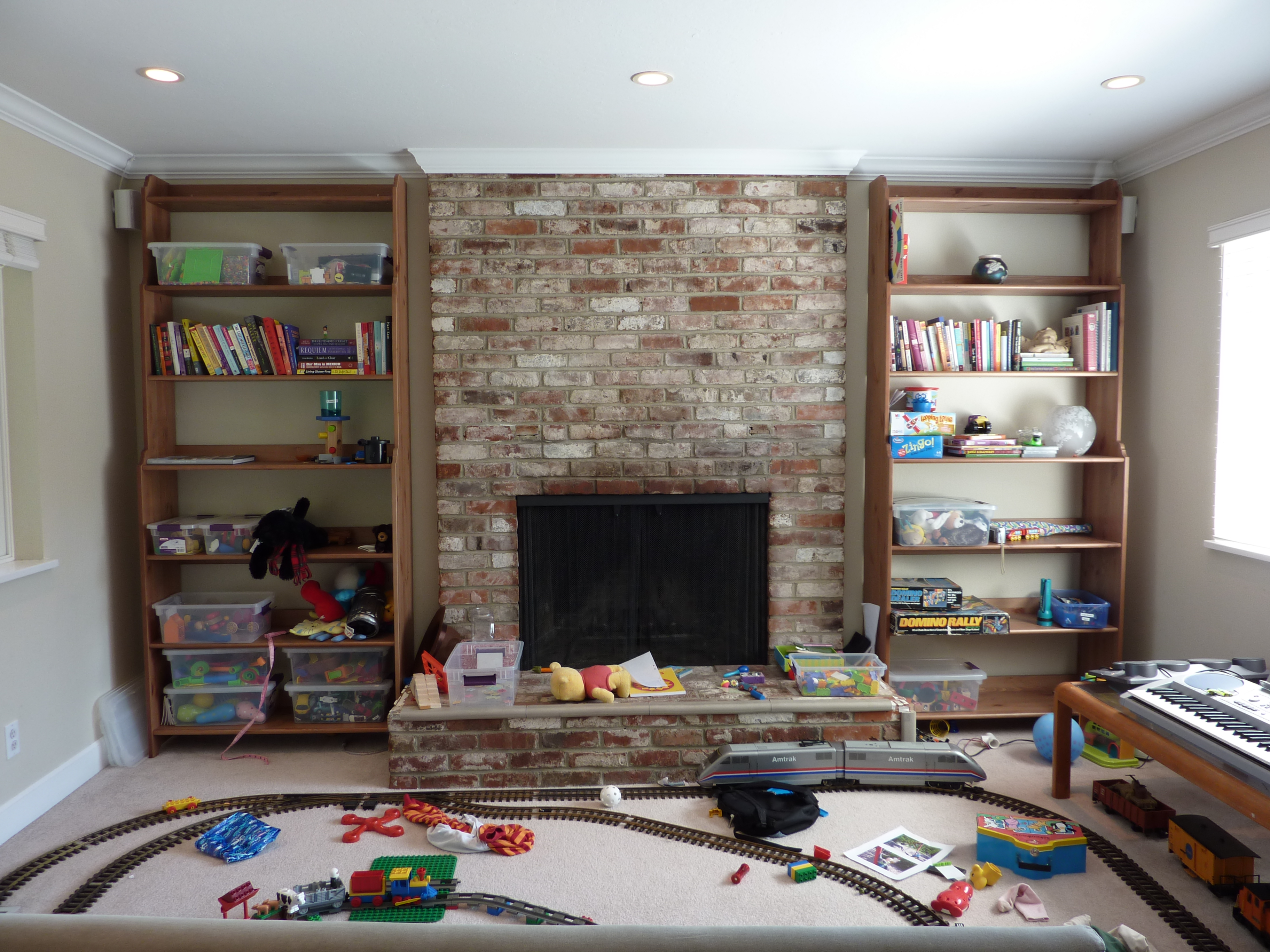
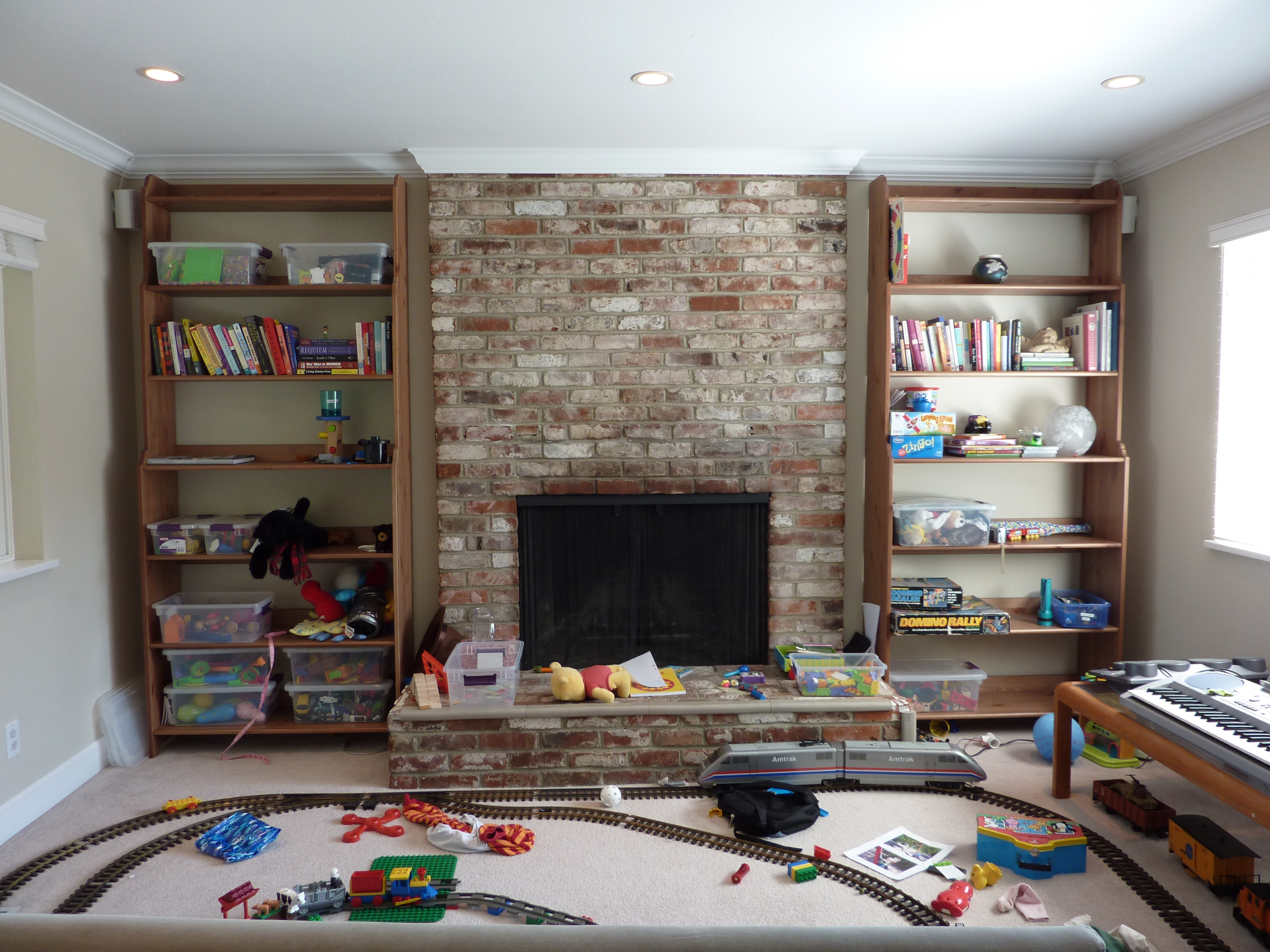
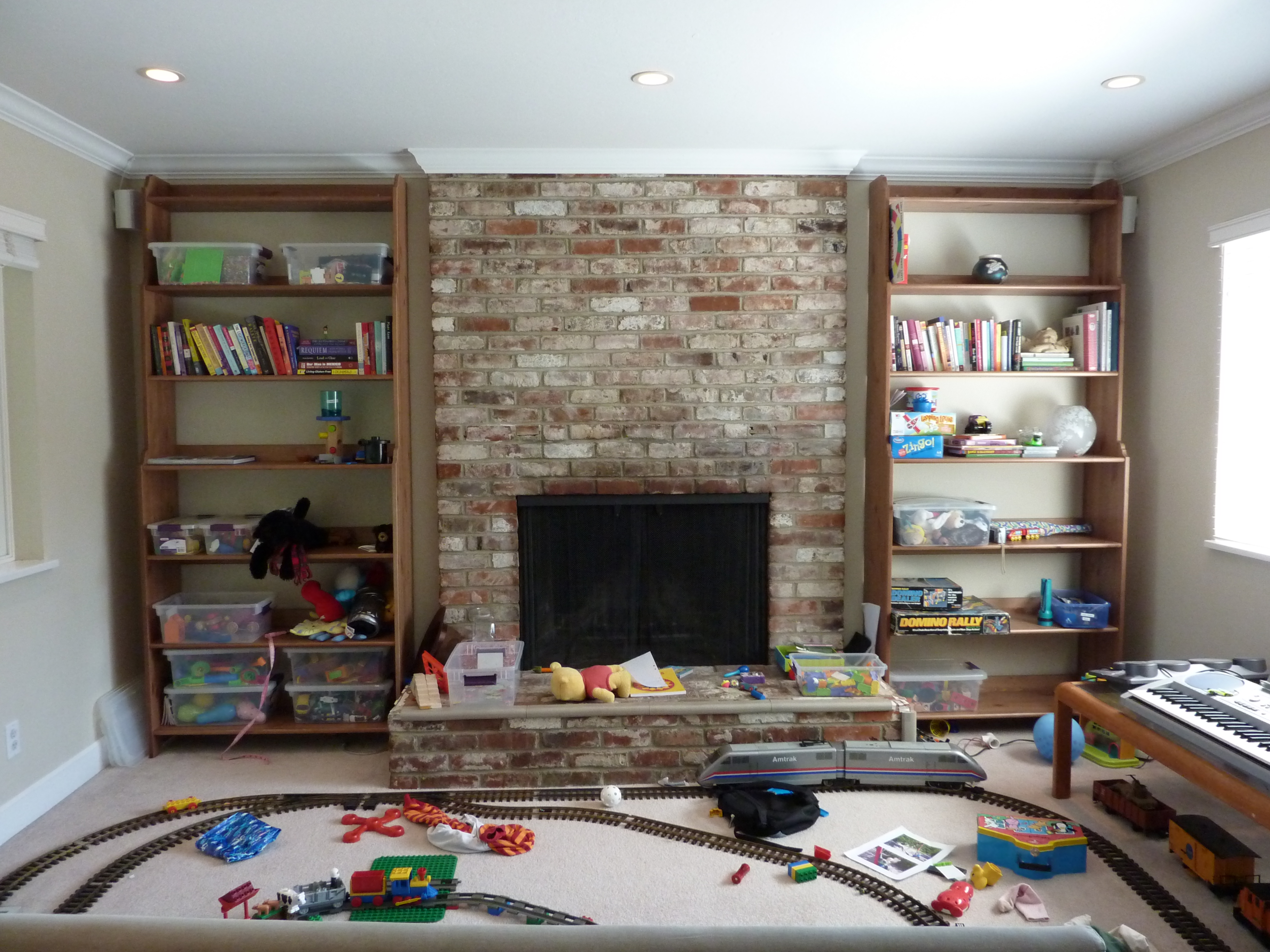
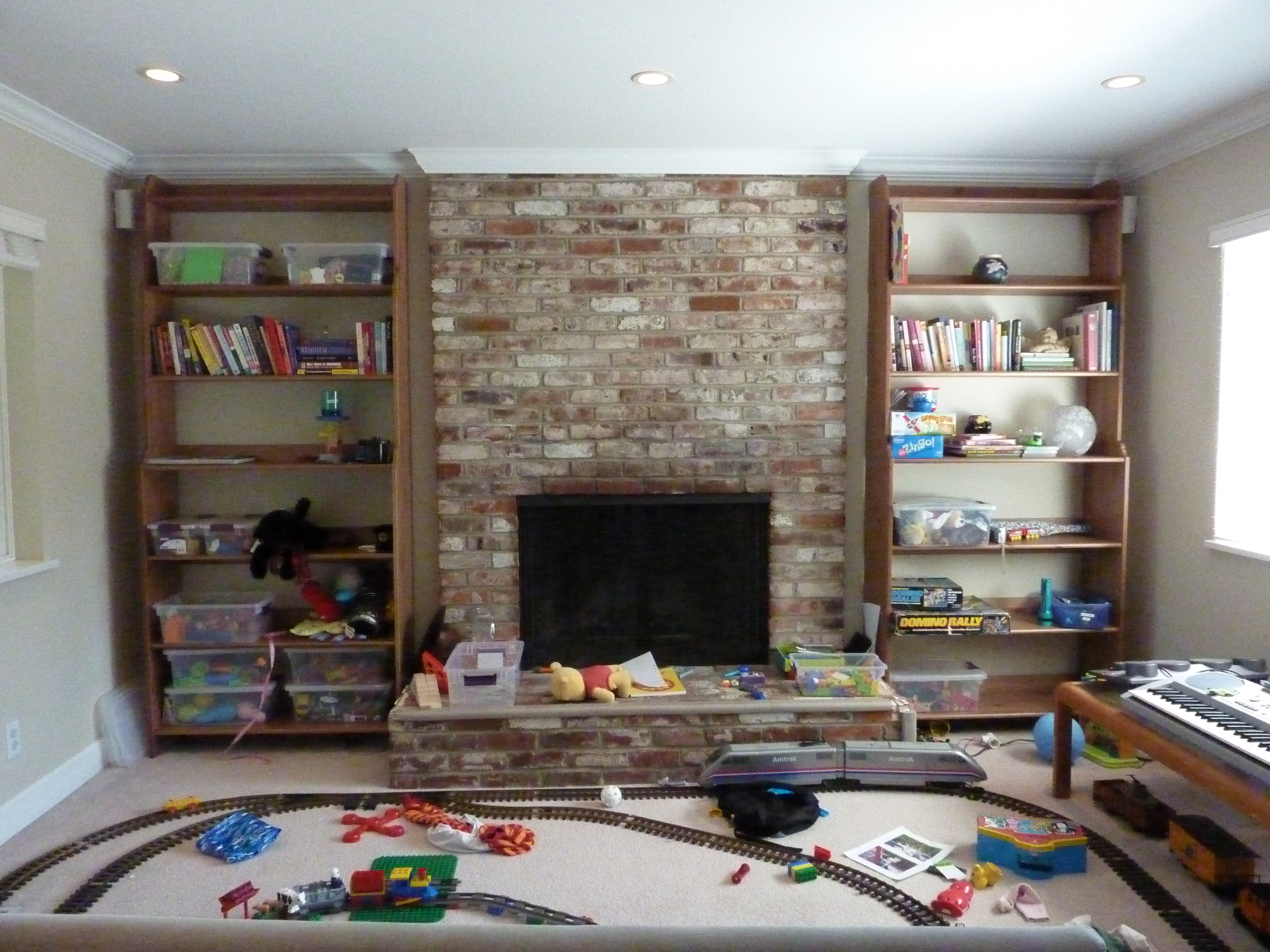
I admit that this can be a little silly and not really what you do in normal use, but having a good ISO series of the same scene makes it possible to judge how good, or bad, the camera is going to be. This is taken in "normal mode" on the mode dial, on a tripod, IS off, 2 second timer, "normal colors", 10M low compression. The scene at 25mm looks like this (ISO 80). Sorry for the mess, this is the "kids" area:


Here are the JPEGs directly out of the camera, not processed. Some have a processed small crop after.

25mm ISO 80 (crop)
25mm ISO 100
25mm ISO 200 (crop)
25mm ISO 400
25mm ISO 800 (crop)
25mm ISO 1600

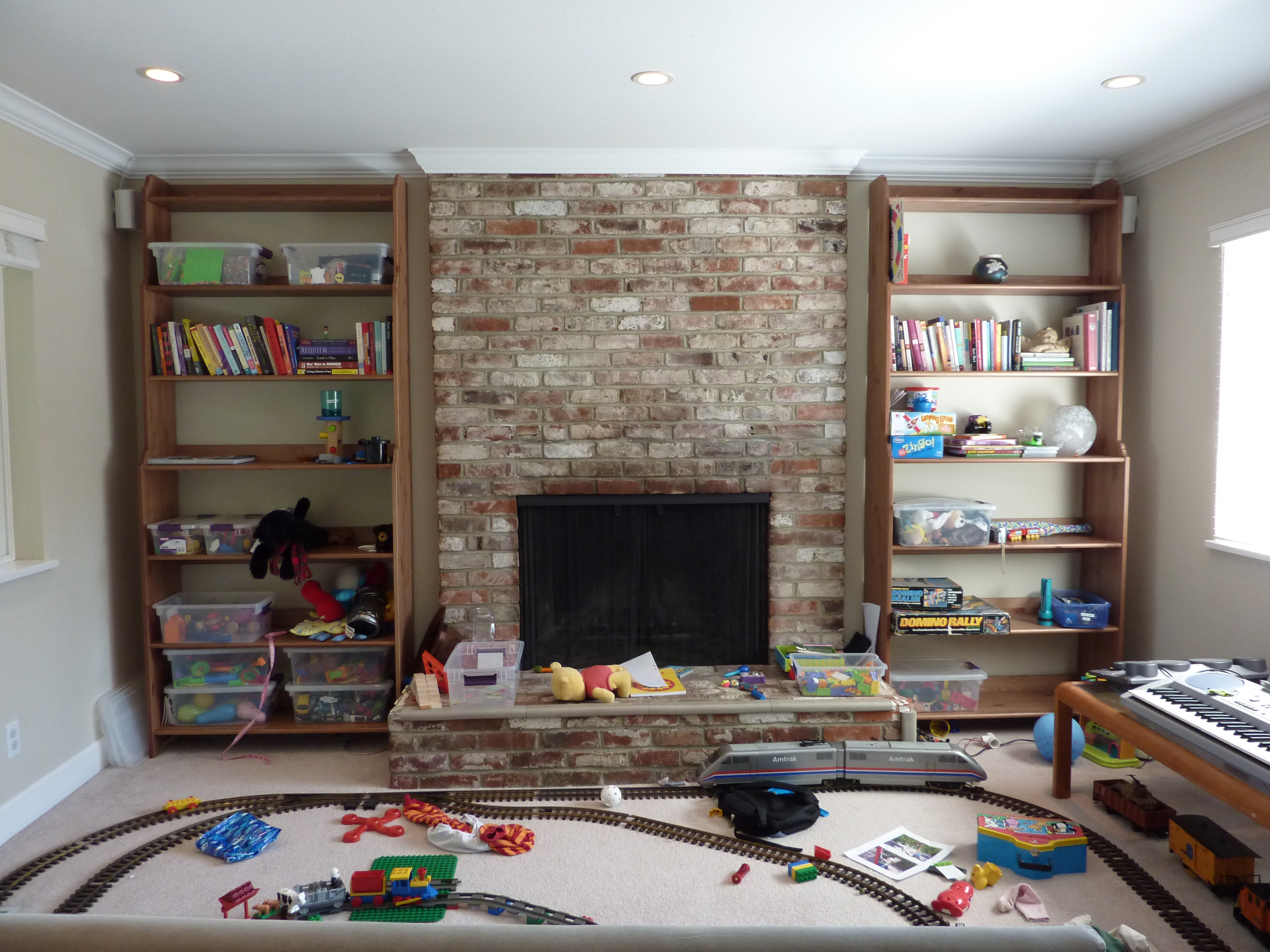
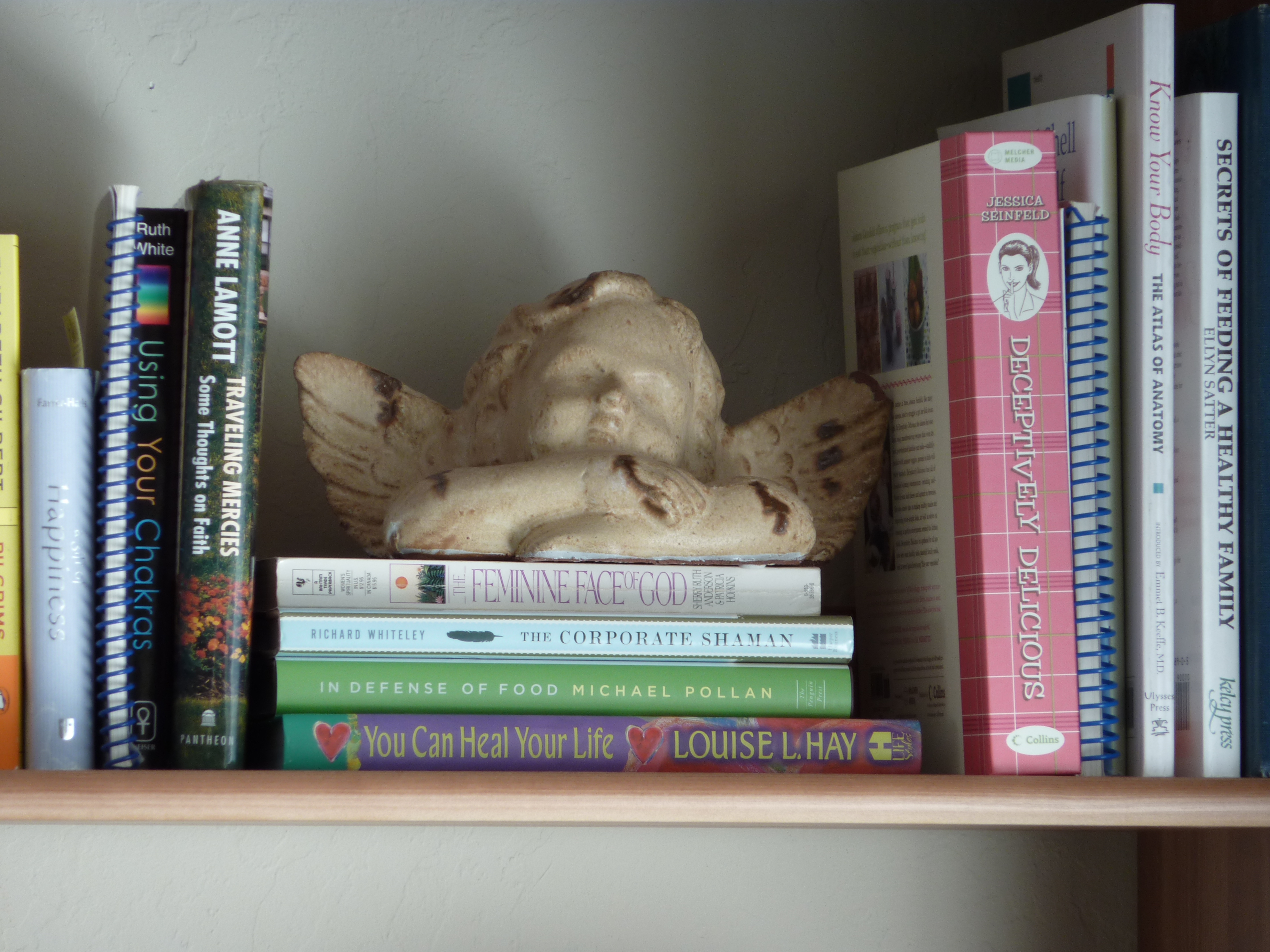
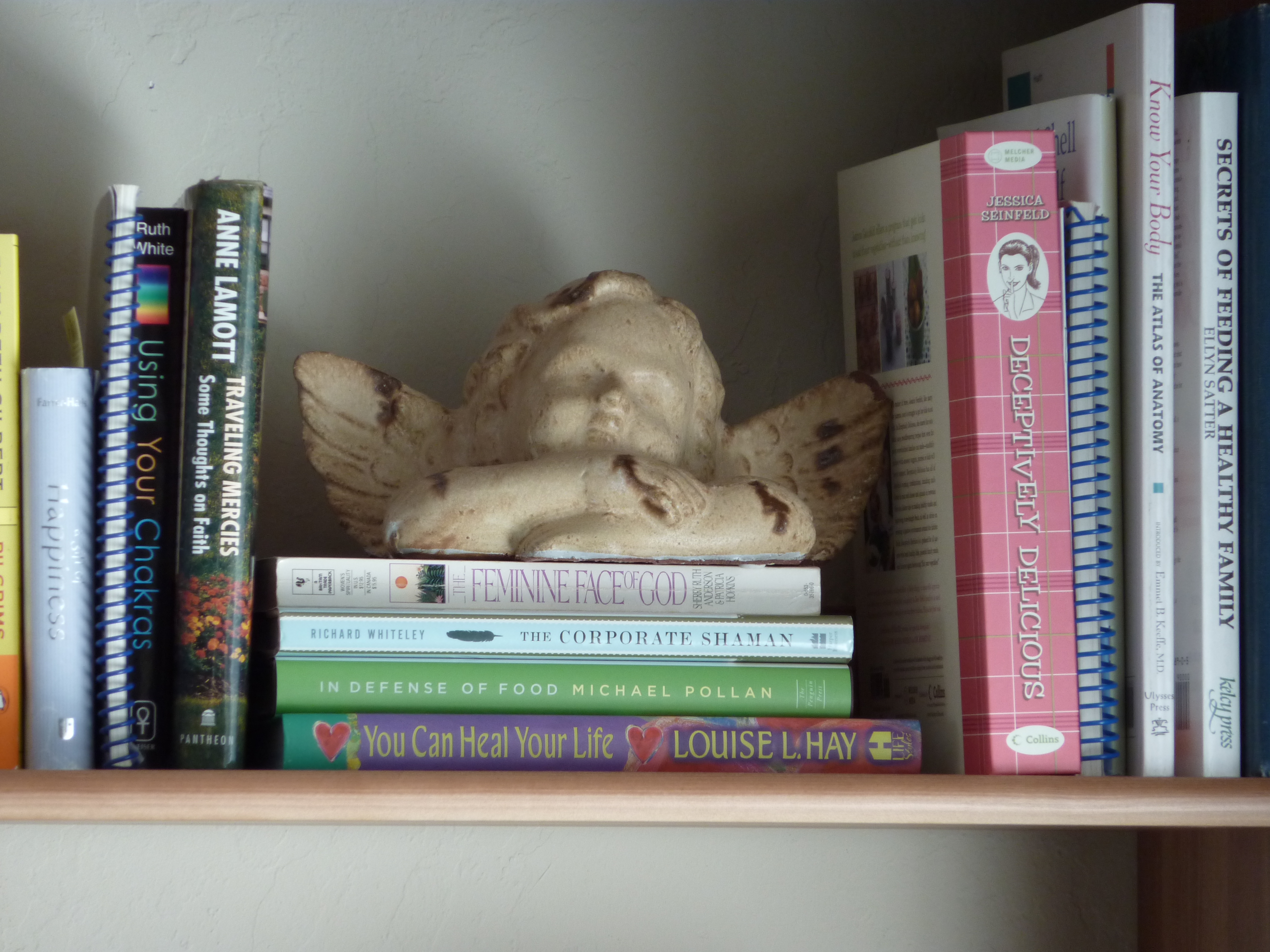
And here is how (from the same position) the 300mm scene looks like:

Here are the JPEGs directly out of the camera, not processed. Some have a processed small crop after.

300mm ISO 80 (crop)
300mm ISO 100
300mm ISO 200 (crop)
300mm ISO 400
300mm ISO 800 (crop)
300mm ISO 1600

I must say that although I think the high ISO ones looks ok for a compact with small sensor, I am not sure if I like how the lower ISO looks like. Maybe it is more the lens than noise reduction artifacts. Check the ISO80 and ISO 200 crops from the 25mm scene. Are you happy with those?

Anyway, if you want to check out the prices on Amazon, go here: Panasonic DMC-ZS1, Panasonic DMC-ZS3, Canon SD1200IS.